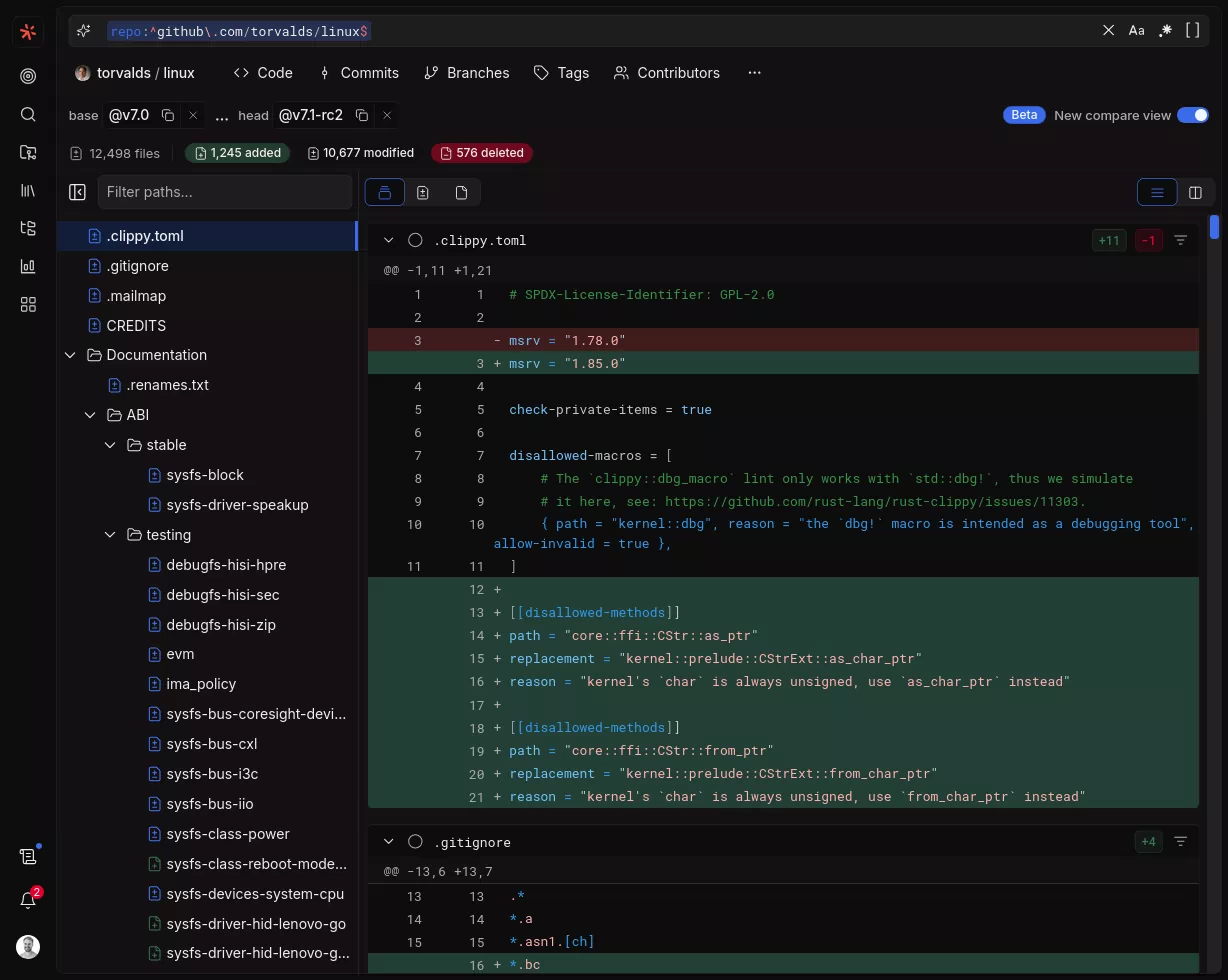
May 5th updates
See what changed in Sourcegraph.
See what changed in Sourcegraph.
See what changed in Sourcegraph.
Deep Search can now count, rank, and aggregate across search results, not just find them.
Deep Search has always been good at finding and explaining code. It can now also count, rank, and aggregate it without blowing up the context window.
A new sandboxed scripting tool lets the agent run programmatic aggregations across many searches in a single turn. Questions that don't fit into a single query, e.g. top-N rankings, cross-search joins, distributions across many files, can now be answered end-to-end, with every underlying search still cited so you can verify how the answer was assembled.
See what changed in Sourcegraph.
Smart hover summaries leverage precise code intelligence data to show key architectural details of your code on hover.

When precise code intelligence is available, you now get a summary of the meaning of the symbol, and usage of the symbol across the codebase. In combination with the precise code intelligence hover information, this often saves the need to jump to a symbol and back which interrupts the flow of reading, and simplifies understanding complex codebases. Linked citations can even serve as an alternative to traditional code navigation.
Use search contexts in Deep Search to ask questions within a set of repositories.
Search contexts are used to scope searches in code search. Now, you can do the same for Deep Search to guide the response to a specific domain. The users default search context is pre-selected.

Pinpoint where a commit or fix lives across branches, tags, and releases.
Deep Search can now search Git tags, ancestry, and commits on any branch to pinpoint where a change lives in your Git history.
For example, ask Deep Search: "In Kubernetes v1.29, a regression was introduced where the apiserver_watch_events_sizes metric stopped reporting total outgoing watch event traffic. How many versions shipped with the bug before it was resolved?"
See what changed in Sourcegraph.
Deep Search conversations can now be renamed by clicking the title or using the rename option in the menu.
You can now rename your Deep Search conversations to keep your workspace organized! Click directly on the conversation title to edit it inline, or use the rename option from the conversation's options menu.
Batch Changes now supports bulk syncing all changesets at once, making it easy to refresh state across large batch changes without loading each changeset individually.
While syncing individual changesets was already possible, Batch Changes now supports syncing changesets as a bulk action. For batch changes with hundreds or thousands of changesets, this means you can refresh the state of all changesets from the code host in a single click—without having to load and sync each one individually.
This is especially useful when changesets have been updated externally (e.g., merged or closed on the code host) and you want Sourcegraph to reflect the latest state immediately across the entire batch change.
See what changed in Sourcegraph.
Batch Changes now supports OAuth authentication for GitHub code hosts.
Batch Changes now supports OAuth-based authentication for GitHub, joining the existing support for GitLab, Bitbucket Server, and Bitbucket Cloud. Users can now authorize Batch Changes to act on their behalf using OAuth instead of manually creating and pasting personal access tokens.
When adding a credential for a GitHub code host, users will see a new OAuth option in the authentication strategy dropdown. Clicking through initiates a standard OAuth flow that automatically provisions the credential with the correct scopes.
See what changed in Sourcegraph.
Making Code Search easier to use with natural language input.
In Code Search, you can now describe what you're looking for in plain English — press # in the search bar to activate query assist, type something like TODO comments in python files or what did alice work on last week?, and our custom-trained model will translate it into a precise Sourcegraph search query.
Share insights, documentation and architecture diagrams with your team.
Use Deep Search to create architecture diagrams, technical documentation, or research summaries, then export and share them with your team.
The default Sourcegraph MCP endpoint now prioritizes the most commonly used context-gathering tools, while /.api/mcp/all exposes the full tool suite.
As previously announced, the default Sourcegraph MCP endpoint at /.api/mcp now exposes a smaller, more focused set of tools for common context-gathering workflows.
This reduces tool-list noise for MCP clients and avoids spending context window budget on lower-frequency tools that most agents do not need by default.
Batch Changes now supports OAuth authentication for Bitbucket Server and Bitbucket Cloud code hosts.
Batch Changes now supports OAuth-based authentication for Bitbucket Server and Bitbucket Cloud, joining the existing support for GitHub and GitLab. Users can now authorize Batch Changes to act on their behalf using OAuth instead of manually creating and pasting personal access tokens.
When adding a credential for a Bitbucket Server or Bitbucket Cloud code host, users will see a new OAuth option in the authentication strategy dropdown. Clicking through initiates a standard OAuth flow that automatically provisions the credential with the correct scopes.
See what changed in Sourcegraph.
The Slack integration now supports multiple workspaces and Enterprise Grid.
If your organization makes use of multiple Slack workspaces, or Slack Enterprise Grid, you may want Sourcegraph to act as the central code understanding platform where anyone across your organizations can use Sourcegraph to understand your entire codebase.
The Sourcegraph Slack integration now supports connecting any number of Slack workspaces, including Enterprise Grid workspaces, to the same Sourcegraph instance - enabling your Slack users to ask @Sourcegraph questions about your codebase directly in their Slack workspace and get Deep Search answers.
See what changed in Sourcegraph.
Try a different approach or continue past the context window limit.
Hit the context window limit, or want to explore a different direction without losing your original thread? Use the Fork button to start a new conversation that picks up where the original left off.
srcOAuth login is now supported in src, and src auth token allows you to easily use your active token in scripts.
You can now log in to src with OAuth, making it faster to connect src to your Sourcegraph instance without manually managing an access token.
We’ve also added src auth token, which prints the token for your current authenticated session. That makes it easier to use src in scripts and shell workflows, for example by passing $(src auth token) to other commands when needed.

Sourcegraph MCP now includes a dedicated full-suite endpoint, with a curated default endpoint coming March 30.
As of this release, the full Sourcegraph MCP toolset is available at /.api/mcp/all.
Starting with the Sourcegraph release of March 30, 2026, the default MCP endpoint at /.api/mcp will move to a curated set of tools focused on common context gathering.
See what changed in Sourcegraph.
Deep Search can now load prior Deep Search investigations from a URL or read token so you can continue and extend earlier research.
Paste a Deep Search URL or read token into your message, and the agent will load that investigation as context for your new prompt. For example:
https://sourcegraph.com/deepsearch/b875dd16-a58f-4c27-84b8-4b4306e49df7 and tell me what else we should investigate about our flaky testshttps://sourcegraph.com/deepsearch/shared/e3c0150a-b7ef-4955-bed4-d5820ca7a70d, investigate whether the same logging patterns appear in our other microserviceshttps://sourcegraph.com/deepsearch/71a48f28-d241-4efa-bc62-4afde5499b00? Are there similar issues in the authorization code?https://sourcegraph.com/deepsearch/7347ddaa-d579-4b91-b152-ca27e4ddb656 by checking if those dead code patterns exist in our newer repositorieshttps://sourcegraph.com/deepsearch/e782c115-2dfa-44a5-8a88-2fad218a2fe1 with the current state of the codebase - has the performance issue been addressed?https://sourcegraph.com/deepsearch/shared/3f1beb2b-bded-4fda-96cc-1af7192f24b6 and investigate whether those security concerns apply to our newer API endpointsDeep Search and MCP tools are now more token-efficient.
We've improved the set of tools available for agents inside Sourcegraph to emit more token-efficient outputs. This includes tools that Deep Search uses under the hood, as well as tools available in our MCP server.
Instead of JSON, the tools now emit a more compact plaintext format, saving tokens on every execution. A lower token count also leads to lower latency and costs. The new format is also more selective about which pieces of information it shows to the agent.
See how Deep Search usage trends month over month with new pacing charts.
Sourcegraph Analytics now includes pacing charts for Deep Search, making it easy for admins to track usage against their purchased quota as the month progresses. The charts show both burndown and cumulative views for the current month, mapped against the previous month so you can spot trends at a glance.
The burndown view tracks usage against your purchased amount, helping you know when it’s time to top up.
See what changed in Sourcegraph.
See what changed in Sourcegraph.
Set up Sourcegraph MCP in VS Code and Cursor with one click from the integrations page.
You can now add Sourcegraph MCP to VS Code and Cursor directly from the integrations page using editor deep links.
Select Add to VS Code or Add to Cursor, and Sourcegraph opens the editor with your Sourcegraph MCP server configuration prefilled for your instance URL.
Reference git notes attached to commits.
See what changed in Sourcegraph.
Jump to anything at lightning speed.
We're introducing a full-blown command palette for Sourcegraph. Hit Cmd + K (or Ctrl + K on Windows) from anywhere to search for files, repositories, symbols, pages, and more — all in one place.

Starting today, the latest features, improvements, and fixes will be applied on weekly basis.
As promised, we are starting to apply Sourcegraph Cloud updates every week. Weekly updates are rolled out gradually over several days, and customers can generally expect to see the new features, improvements, and fixes by Thursday of each week. You can learn more about what has changed directly in Sourcegraph, or in our Changelog.
In the past, Sourcegraph Cloud has received the same releases as our self-hosted customers, at the same monthly cadence. We strongly believe that weekly updates will not only enable Sourcegraph to stay at the cutting edge of the latest technologies, but also to work more closely with our customers to address feedback and iterate on new capabilities.

See what's new in Sourcegraph without leaving the app.
We're shipping fast at Sourcegraph. Refreshing https://sourcegraph.com/changelog continuously is tedious though. Now you don't have to — with relevant updates highlighted directly from the product. Click the "What's new" icon in the sidebar to see the latest updates from Sourcegraph.

A comprehensive design refresh with a new theme system and UI refinements.
Read more
Administration is becoming simpler to navigate and easier to configure, with clear forms and guided setup flows.
We're shipping a broad set of improvements to the administration area focused on one goal: make Sourcegraph easy and obvious to configure.
The administration area now contains dedicated pages for configuring many settings found in the former "Site configuration" page.

Longer, more focused conversations with Deep Search address context window issues and enable even deeper research.
Deep Search now uses a dedicated subagent specialized for finding files relevant to your query. This subagent performs thorough searches and presents a summary to the main agent. Since the main Deep Search agent only needs to read this summary, this saves tokens in its context window.
This means Deep Search can explore more of your codebase while using fewer tokens, so you get more focused context and longer conversations - you should be able to ask Deep Search more questions before reaching the context window limit.
Code navigation, right inside Deep Search.
Deep Search file sources now support code navigation directly in the sidebar preview. When you click on a file source in the right sidebar, the file preview displays interactive hover cards — just like the regular code view. You can inspect symbol documentation, jump to definitions, and find references without leaving Deep Search, to dive extra deep into the citations that Deep Search provided, helping validation and further exploration of answers.

Drag and drop images into Deep Search.
Deep Search now supports images. Drag and drop or copy-paste images directly into the prompt editor, add your question, and submit. Deep Search will analyze the image alongside your code to help you find better answers faster.